A disposable camera in every phone
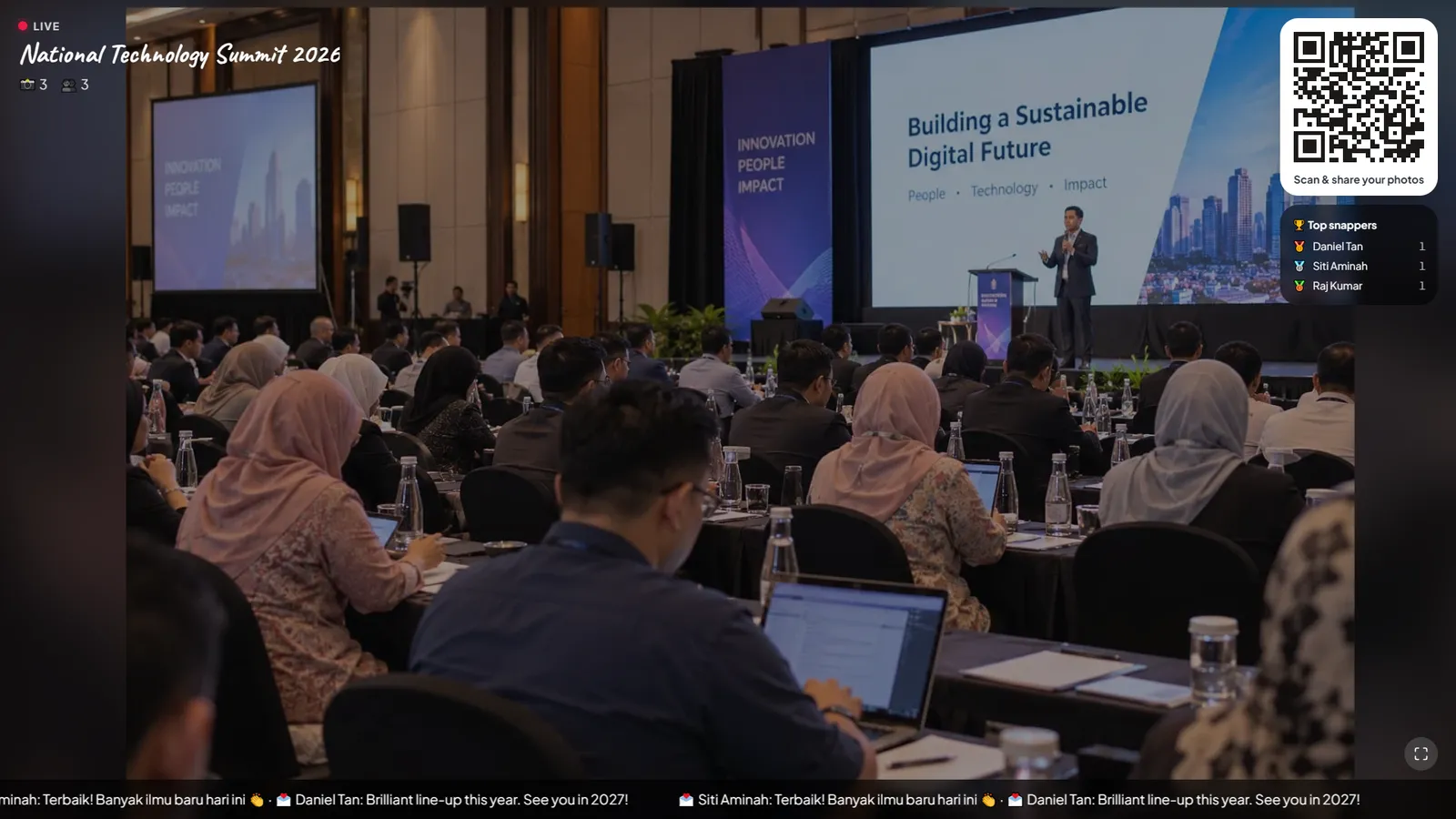
Guests snap, pick a look and share in one tap. Twelve film looks, from Kodak Gold to Polaroid.
- Natural
- Disposable
- Kodak Gold
- Fuji 400
- Cinematic
- Polaroid
- +6 more
Every guest photo, in one live album.
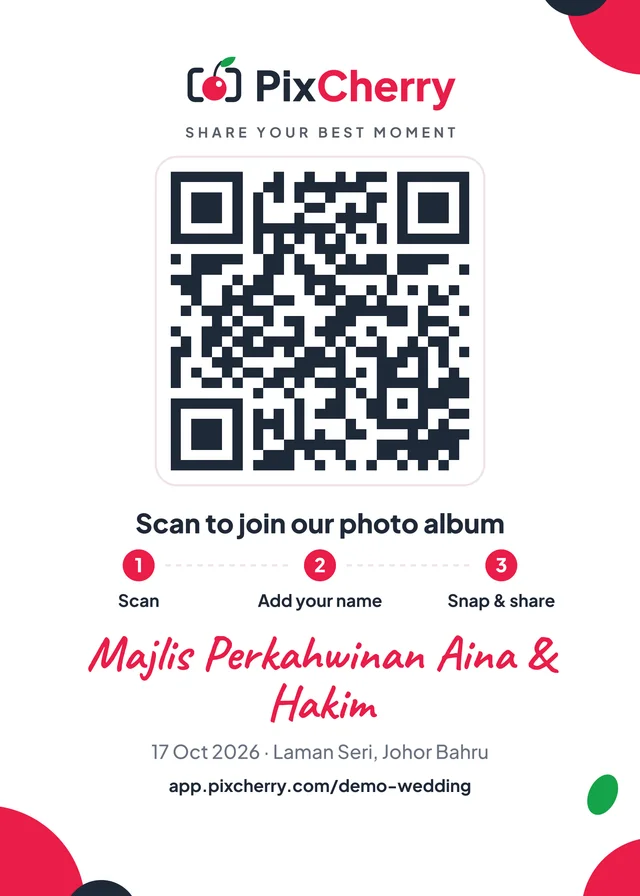
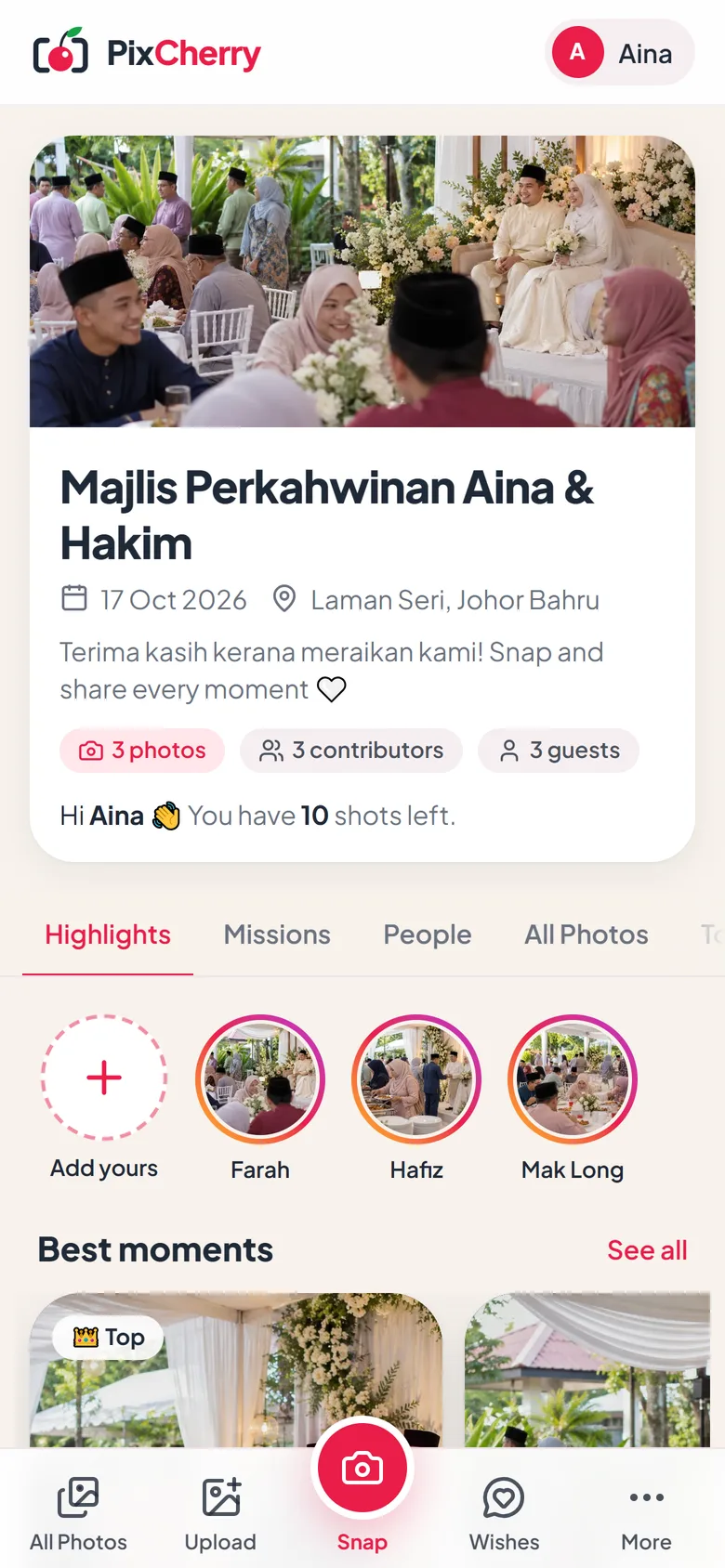
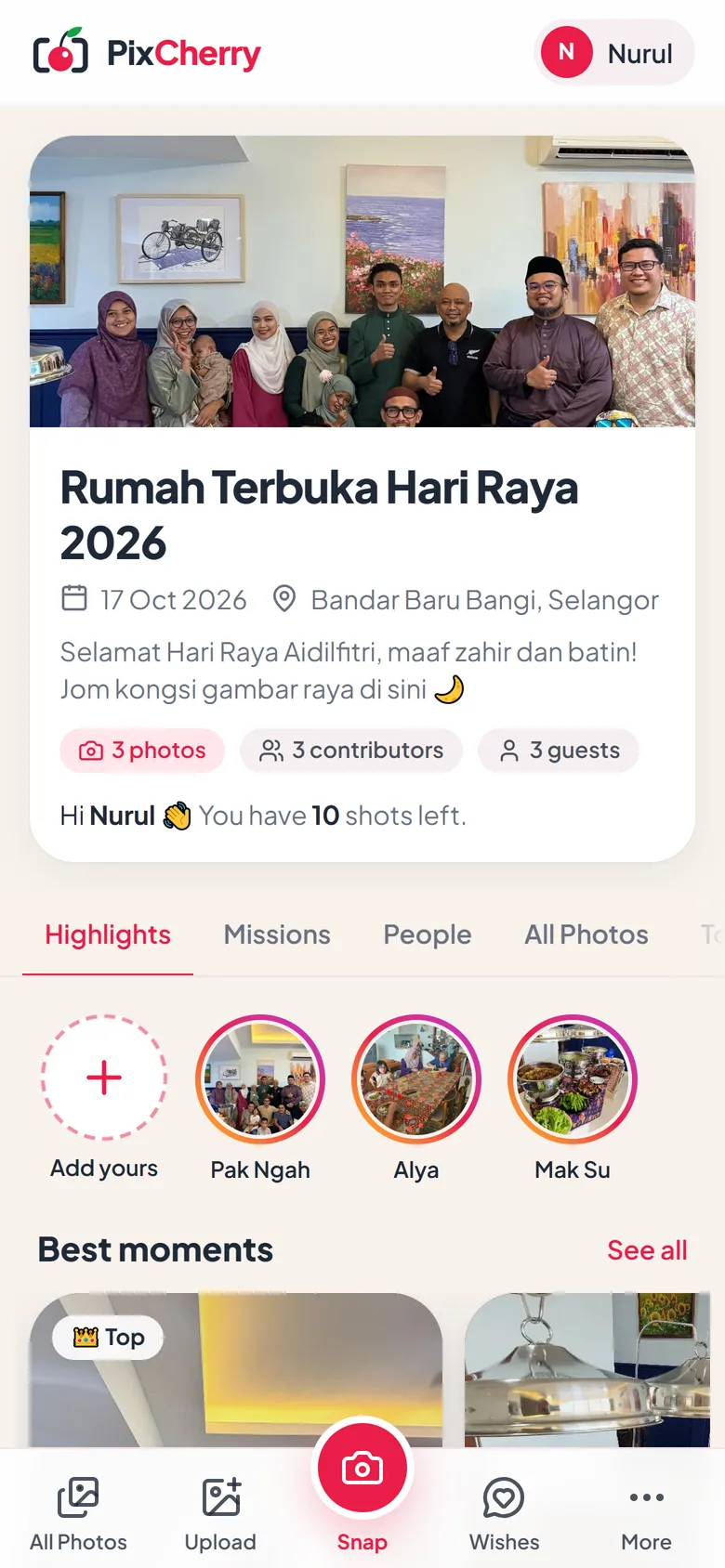
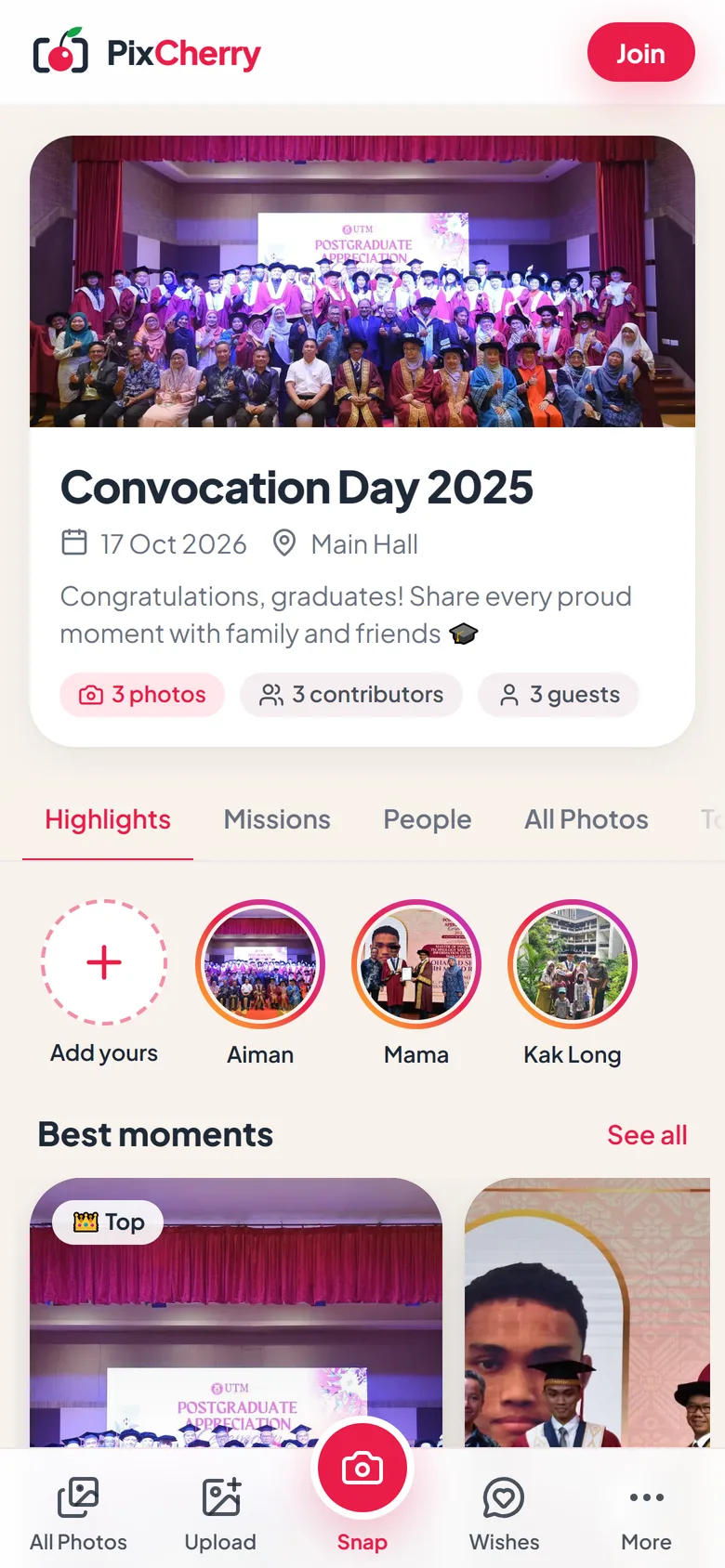
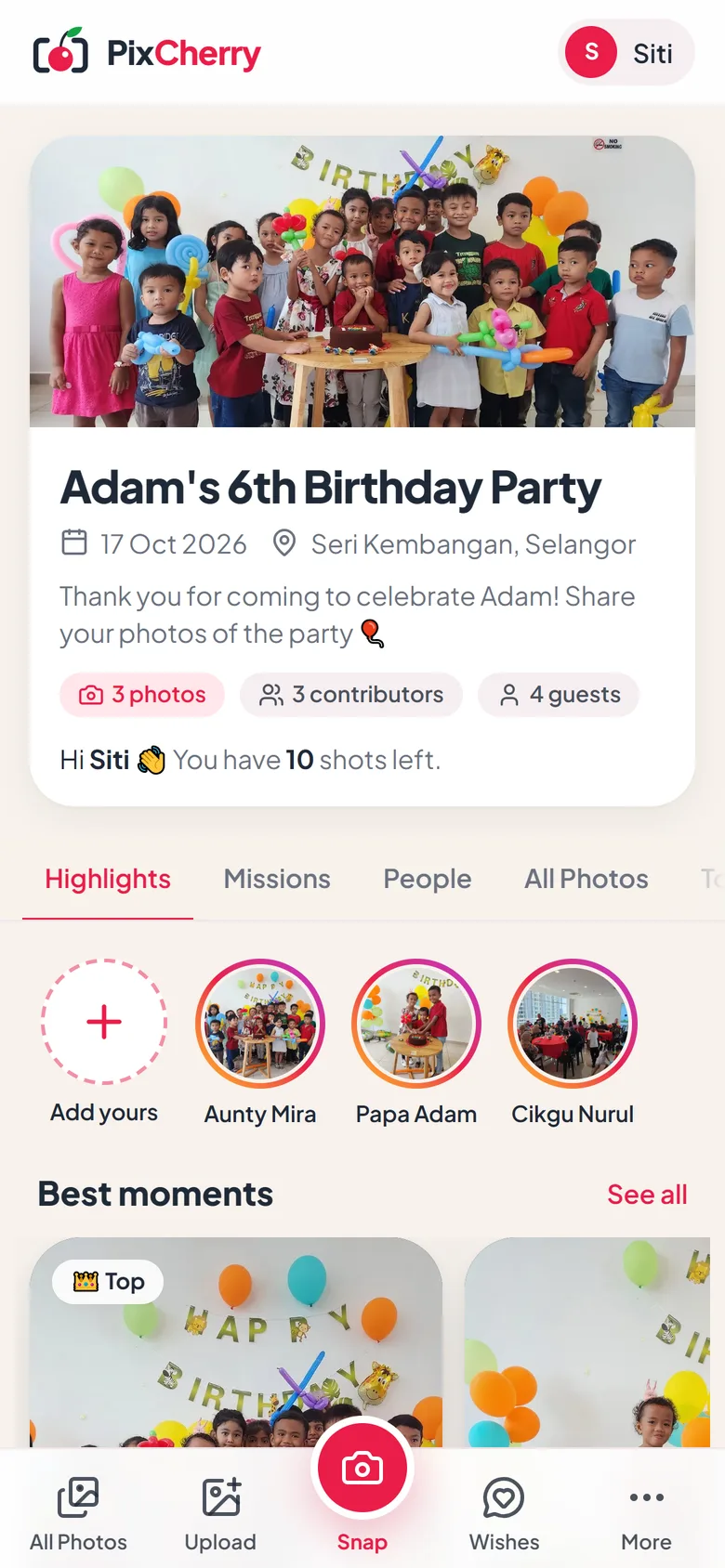
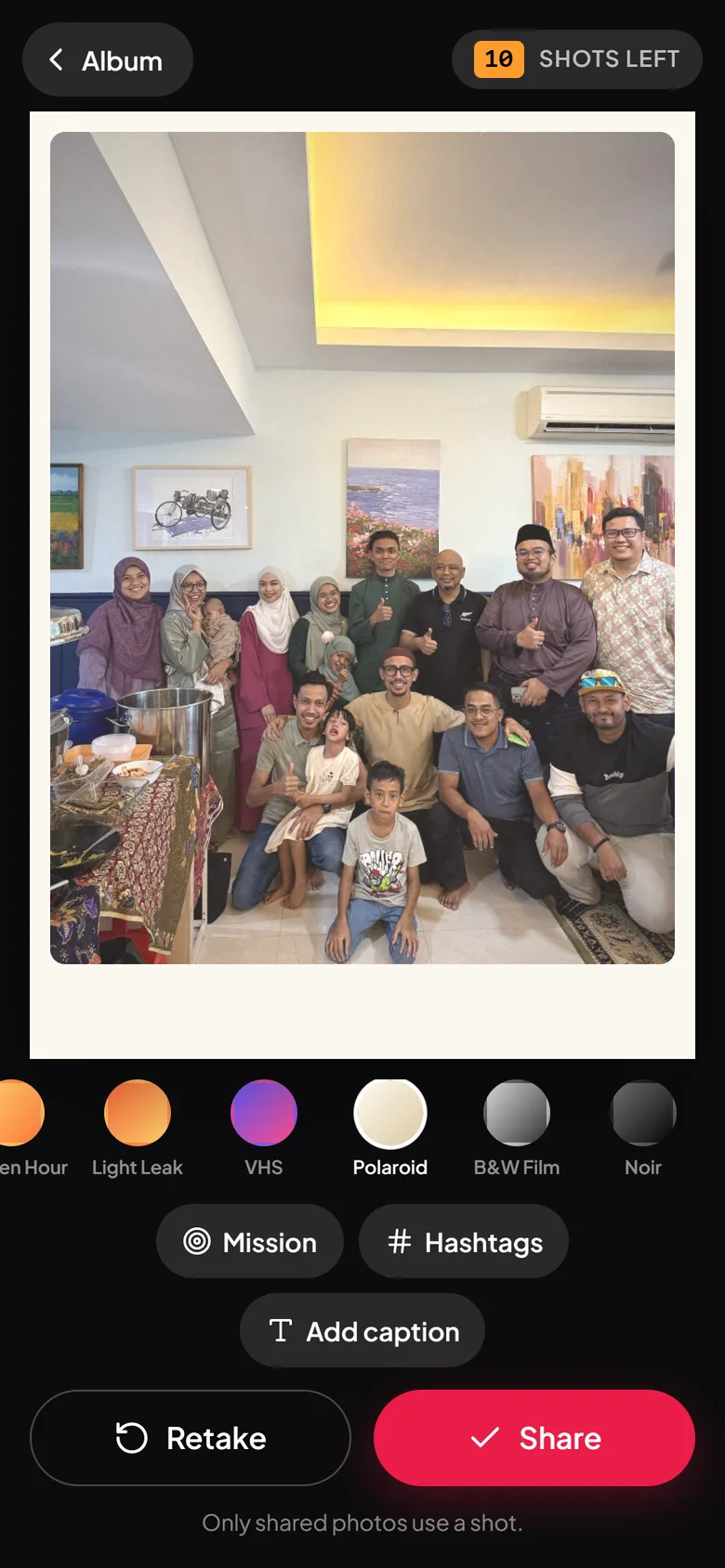
Guests scan a QR code and snap away. No app, no sign-up. Every photo lands in one shared album, on everyone’s phone and on the big screen, within seconds and in full quality.
Watch the 50-second video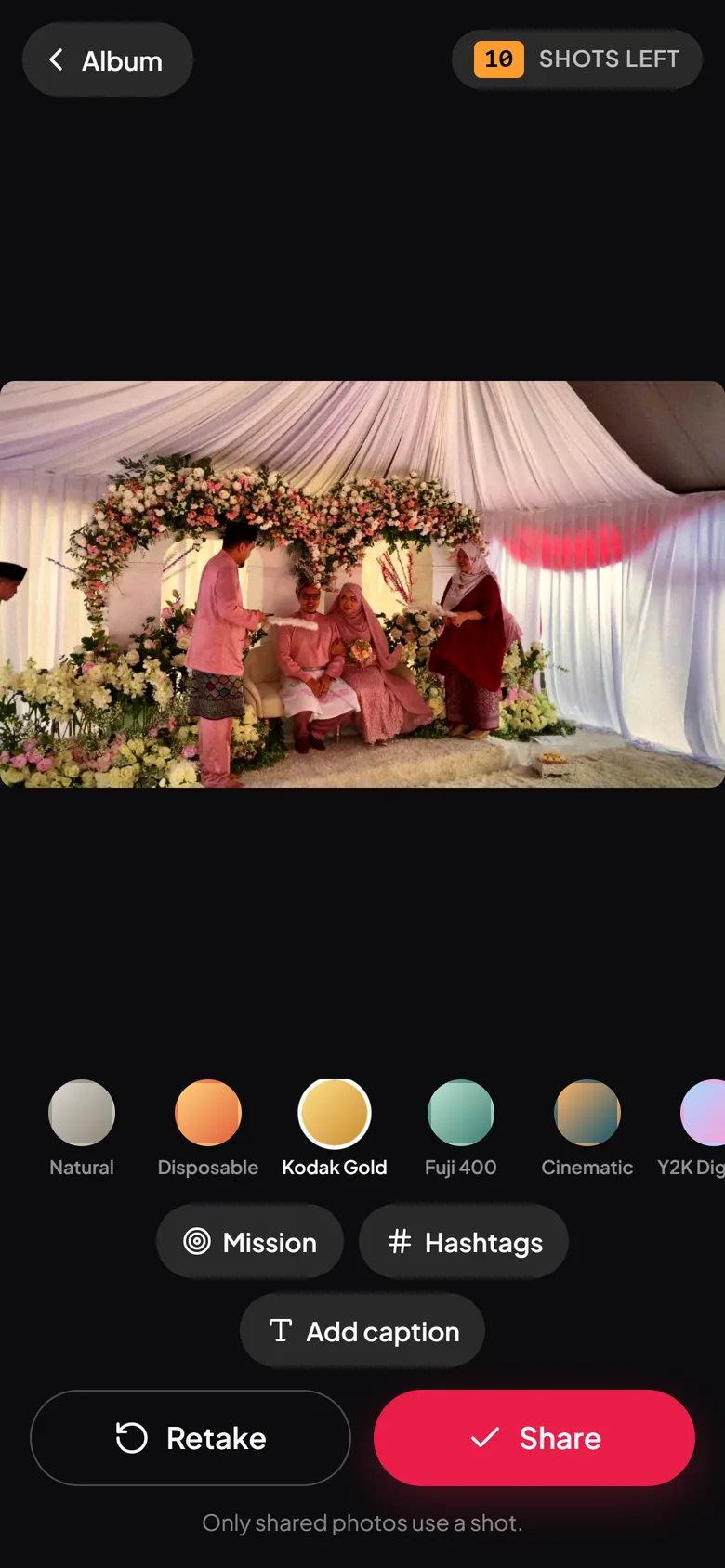
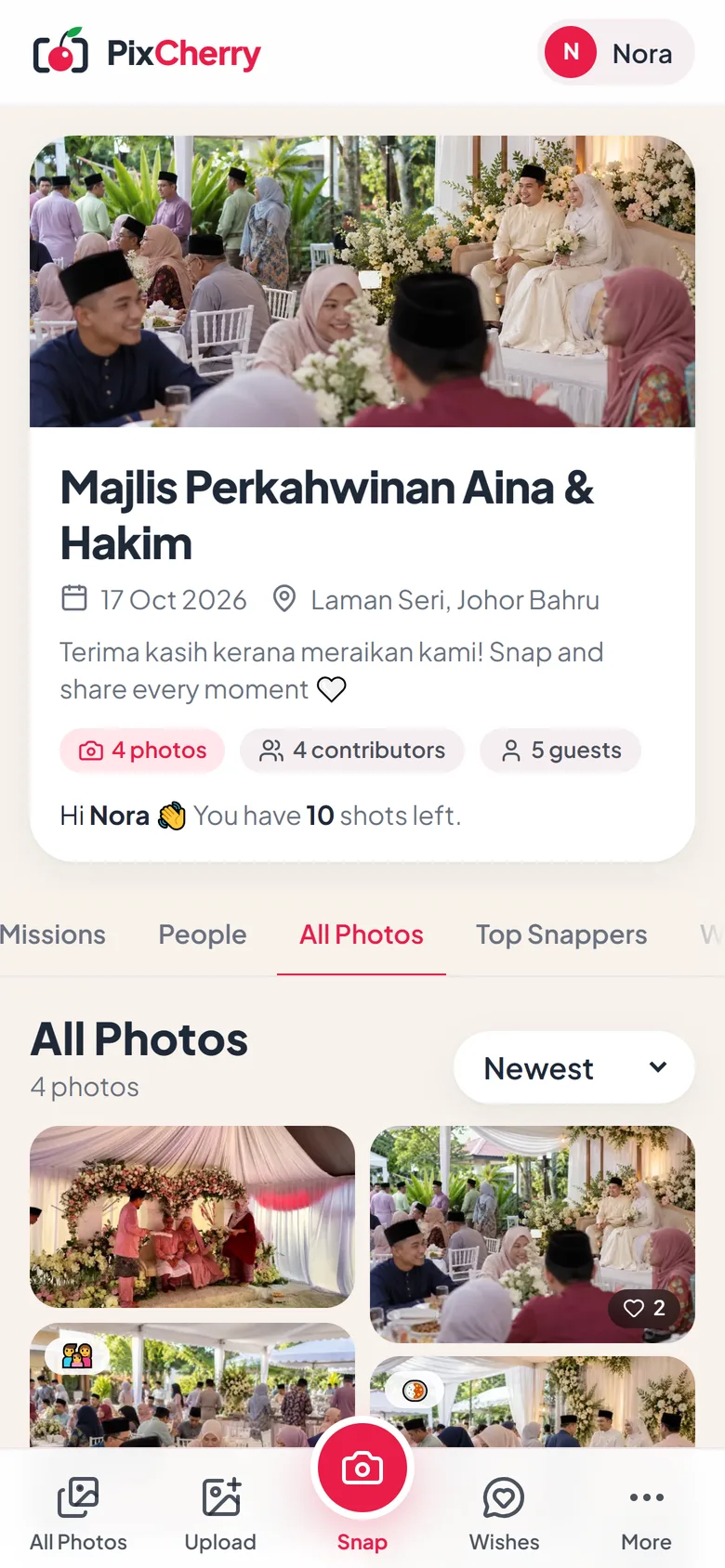
Made for weddings, engagements, aqiqah, raya open houses, convocations, birthdays, family days, annual dinners, conferences, reunions.
They stay in phones, get squashed in group chats, or never get sent at all. PixCherry collects them while the party is still going, in full quality, and nobody has to chase anyone.
Family group
Kak Long, Hafiz, Mira and 45 others
One QR code is all it takes. Guests share photos straight from their phone’s browser, with no app to download and no account to make.
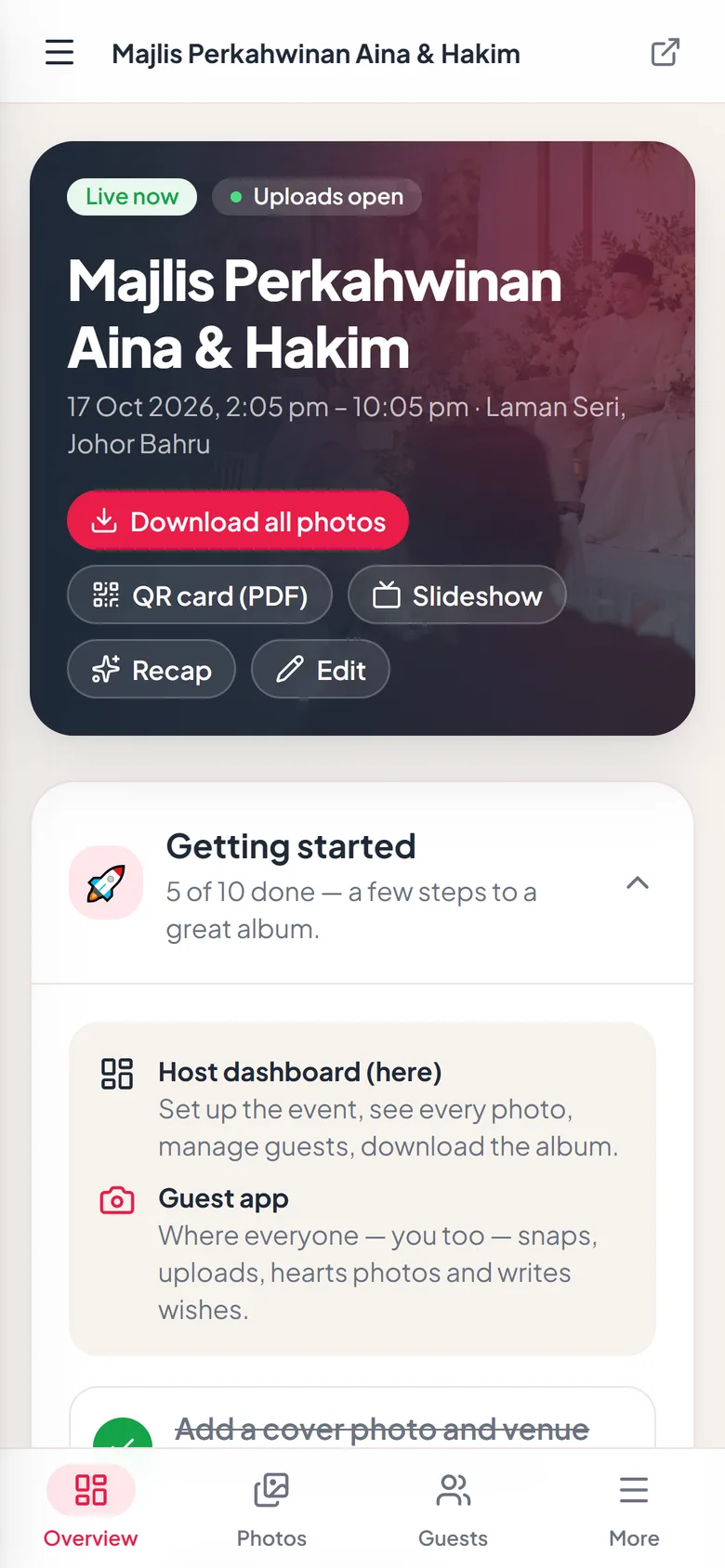
Add a name, a date and a cover photo. Your QR card and slideshow are ready straight away.
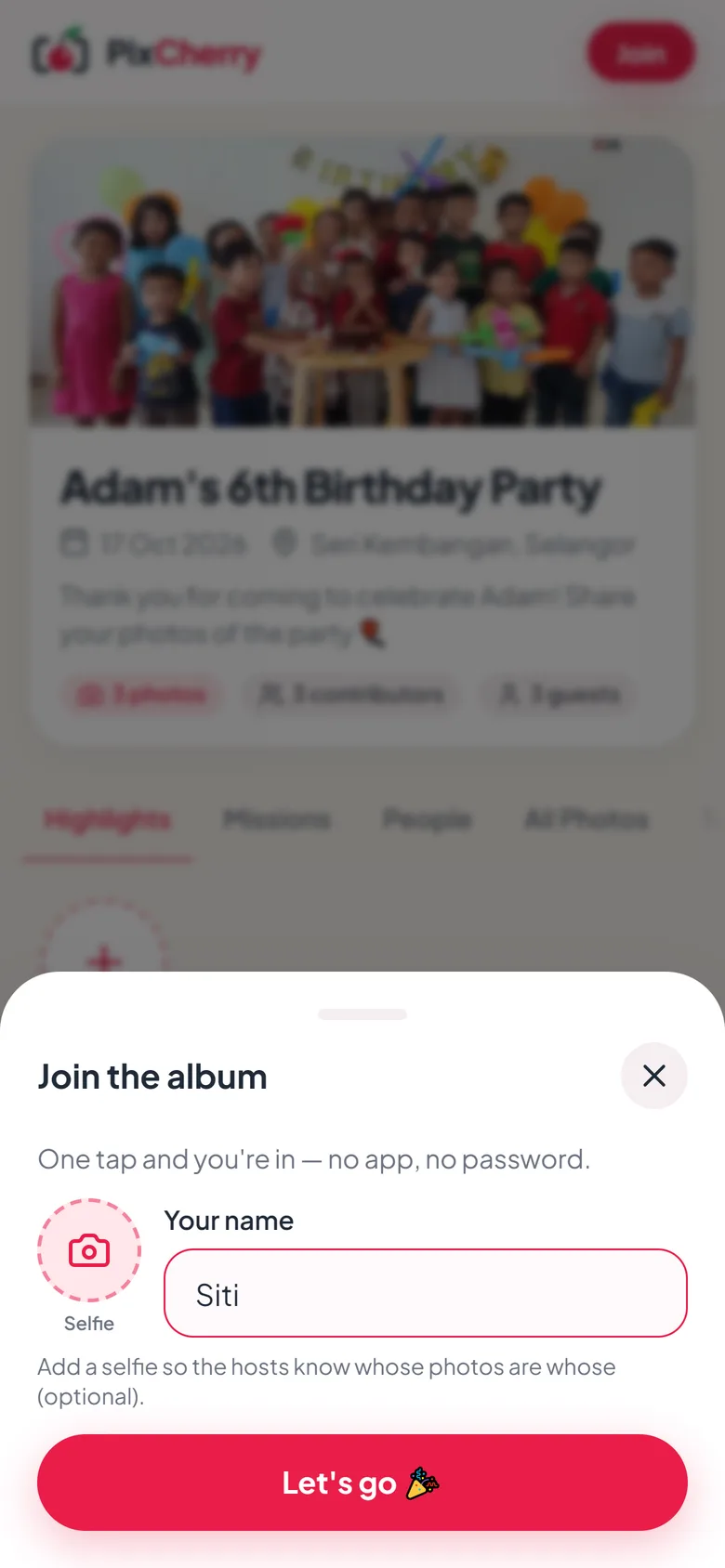
The album opens in their phone’s browser. They type a name and they’re in. No app, no password.
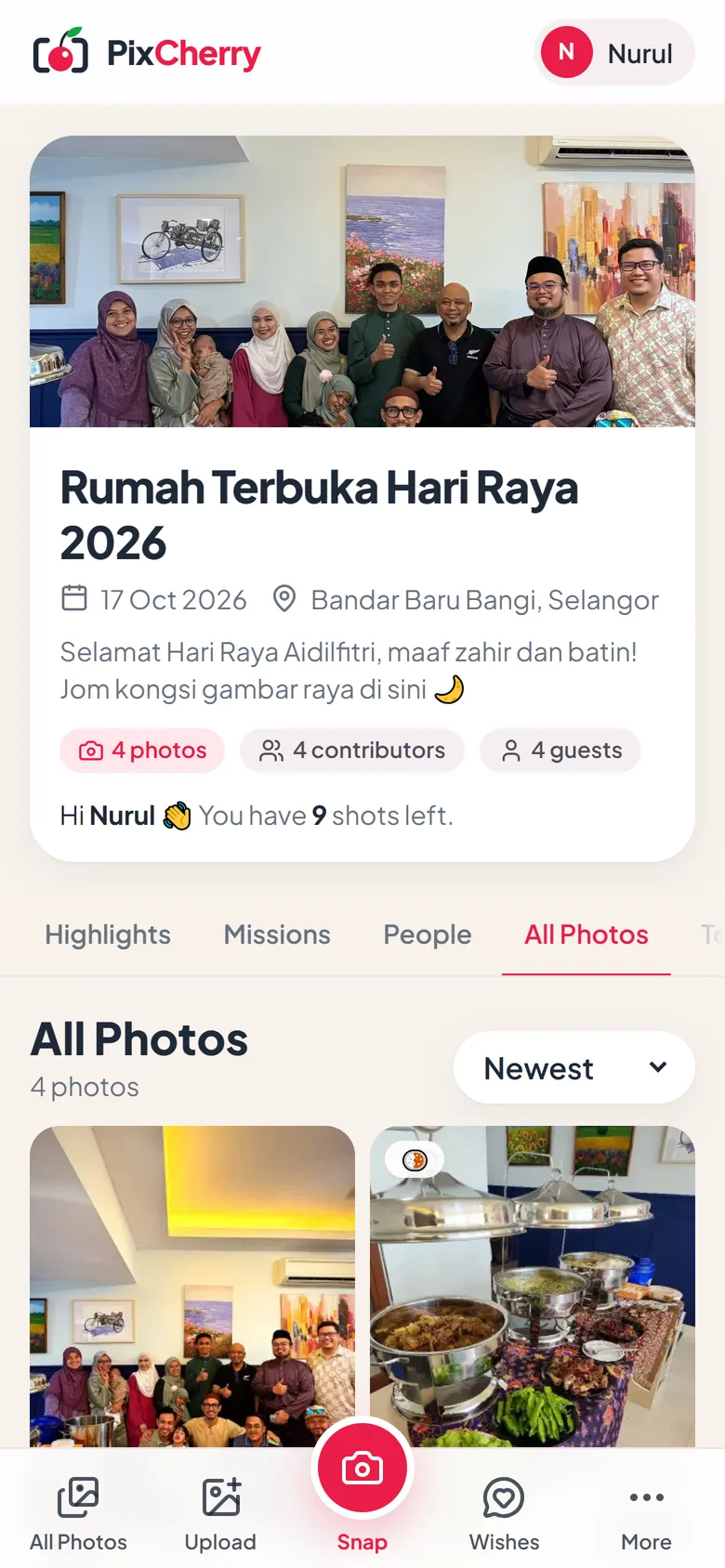
Every shot shows up in the album, on every phone and on the big screen, within seconds.
Open the slideshow on any TV or projector. Guests watch their photos go up, and the whole party joins in.
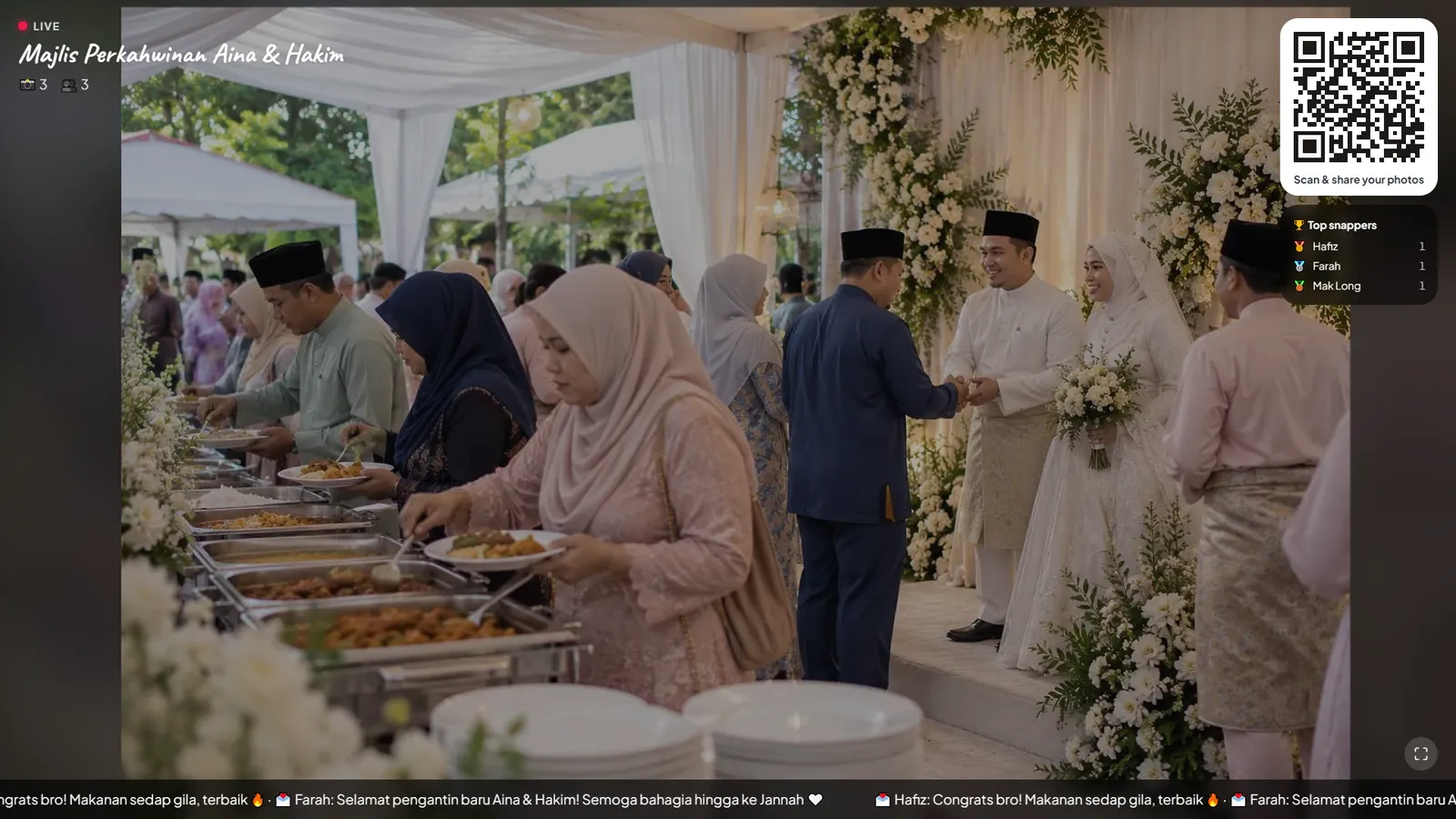
From the QR code on the table to photos on every phone and the big screen.
In Bahasa Melayu, sound on
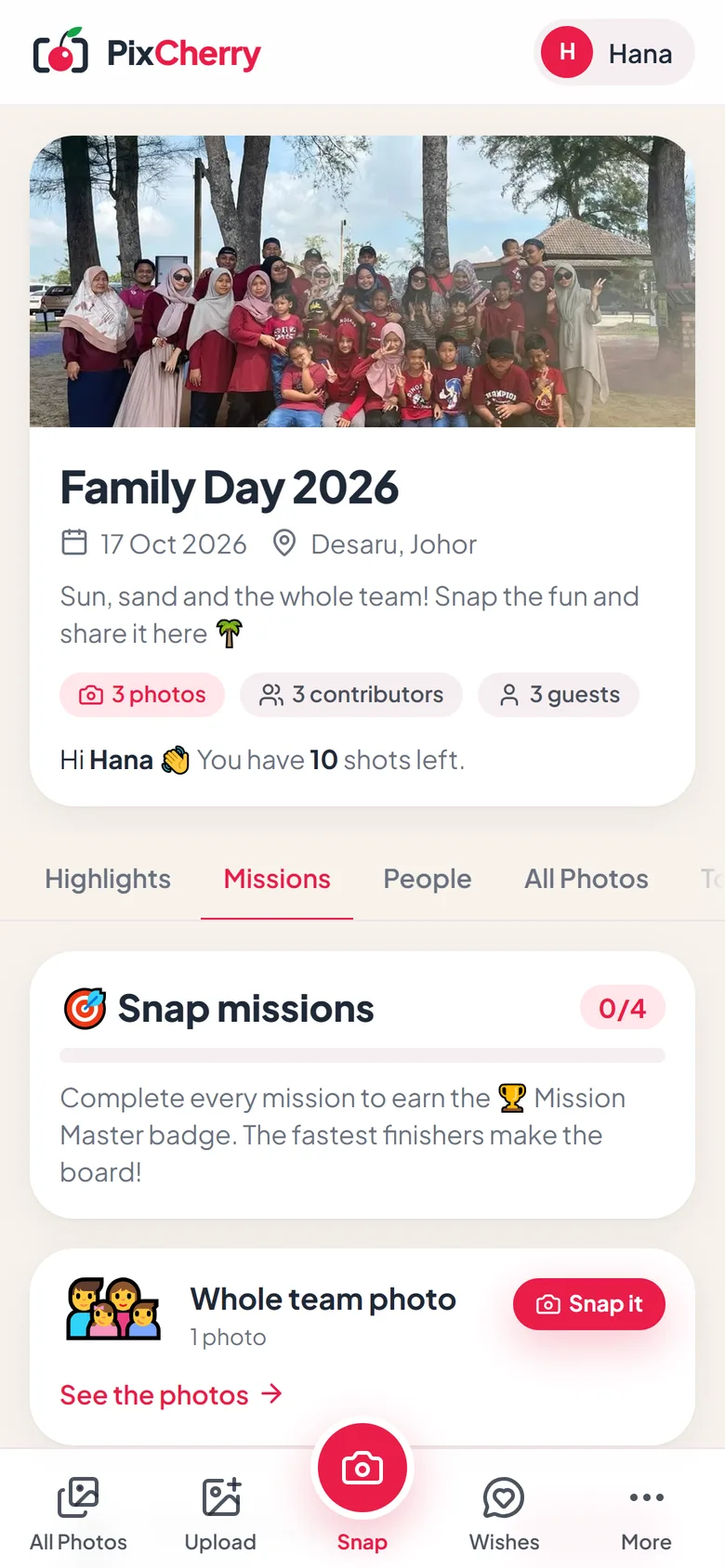
A shared folder gets a handful of uploads. A film camera, a few challenges and a leaderboard keep people snapping all night.
Guests snap, pick a look and share in one tap. Twelve film looks, from Kodak Gold to Polaroid.
Little challenges like “Selfie with the pengantin” that guests race to finish.
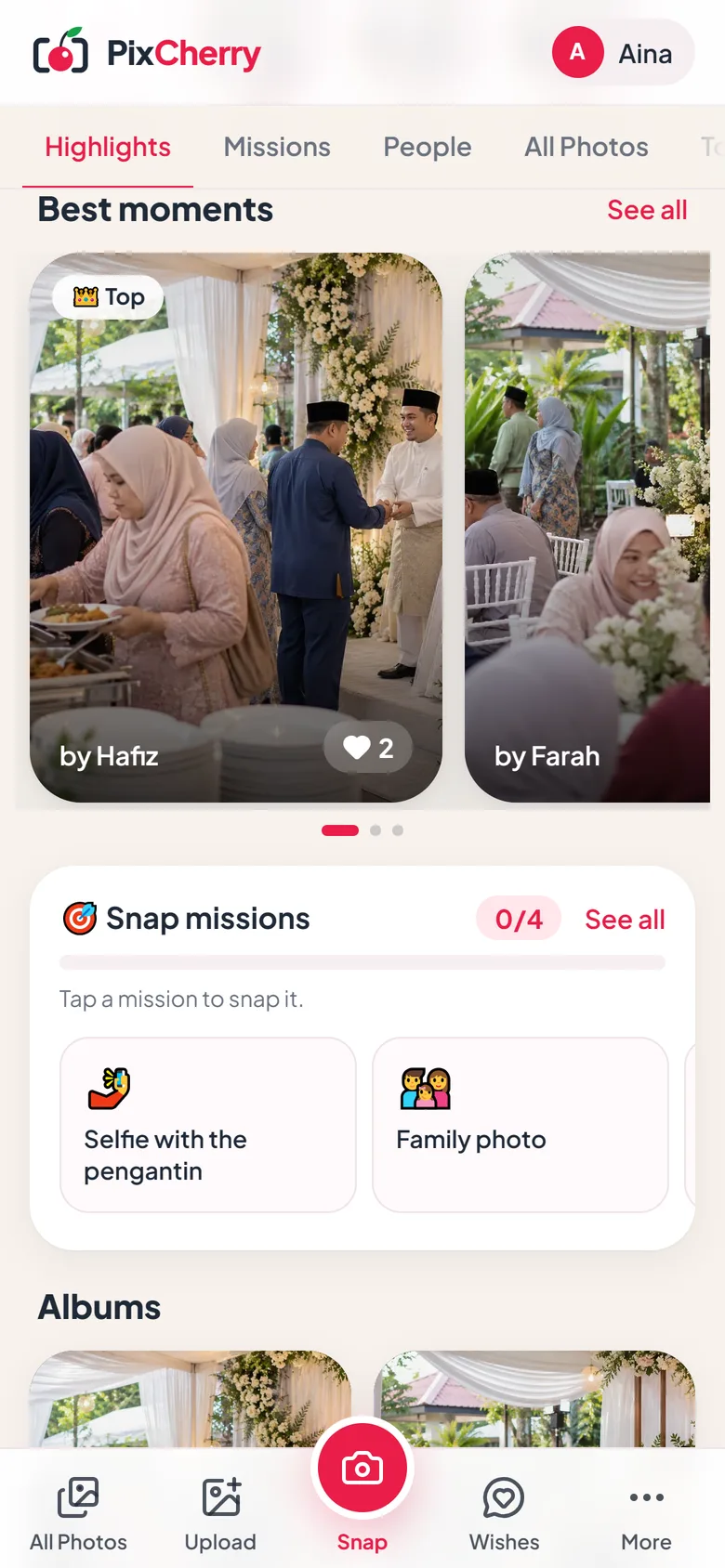
Hearts push the most-loved photos into Highlights, next to a top-snappers leaderboard.
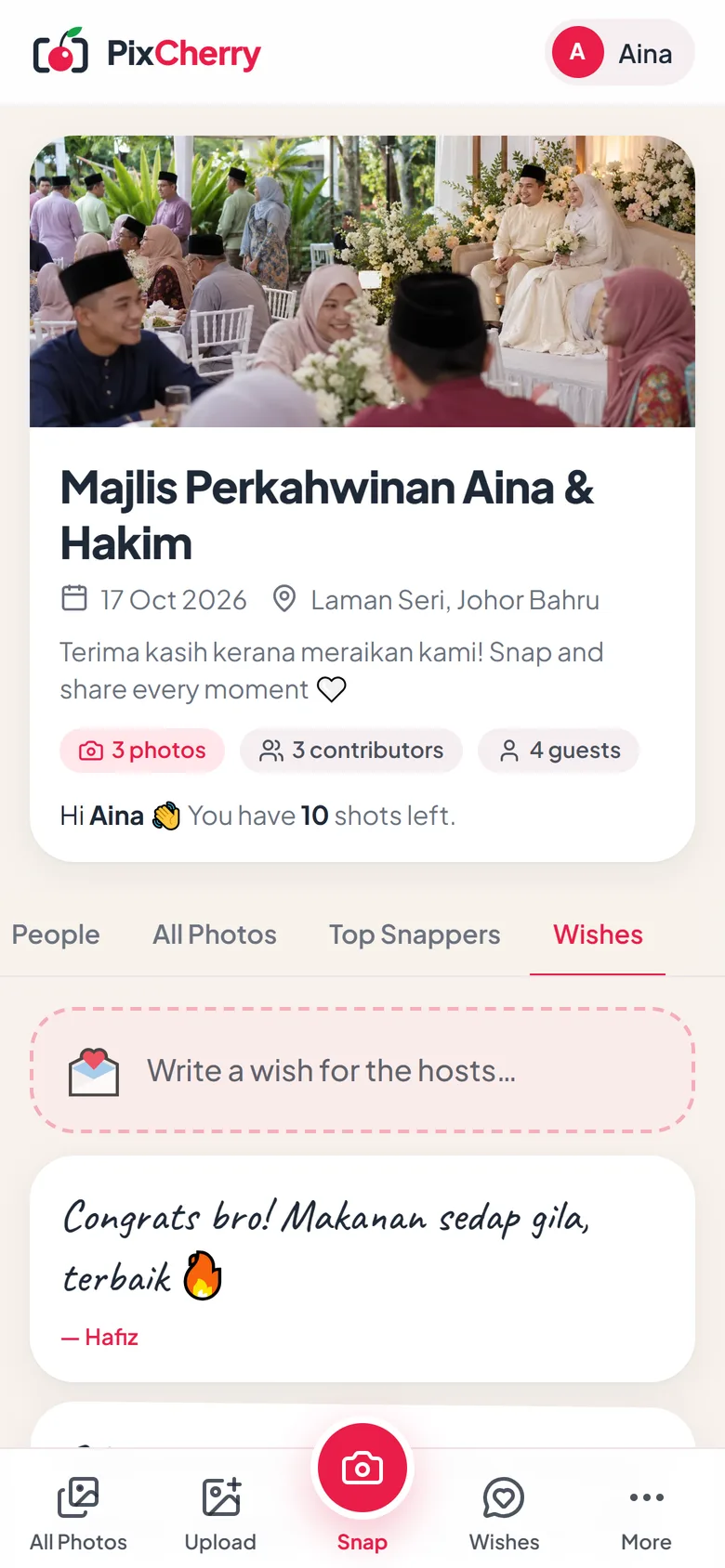
Guests leave kind words next to the photos, and the wishes scroll on the big screen too.
Up to 3072 pixels on the long side. Tap any photo to zoom in, heart it or save it.
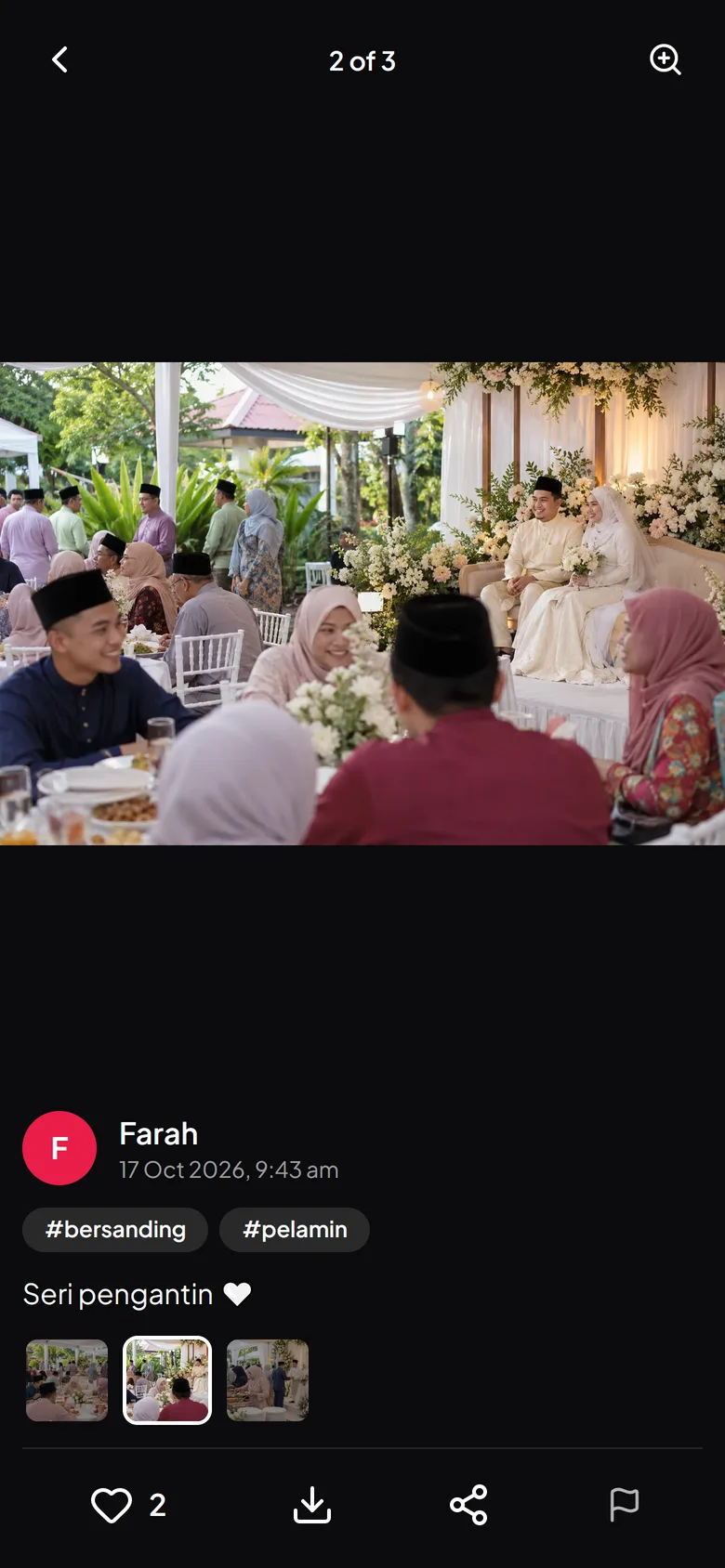
For the host
Watch the album fill up from your phone or laptop, keep it clean, and take everything home.
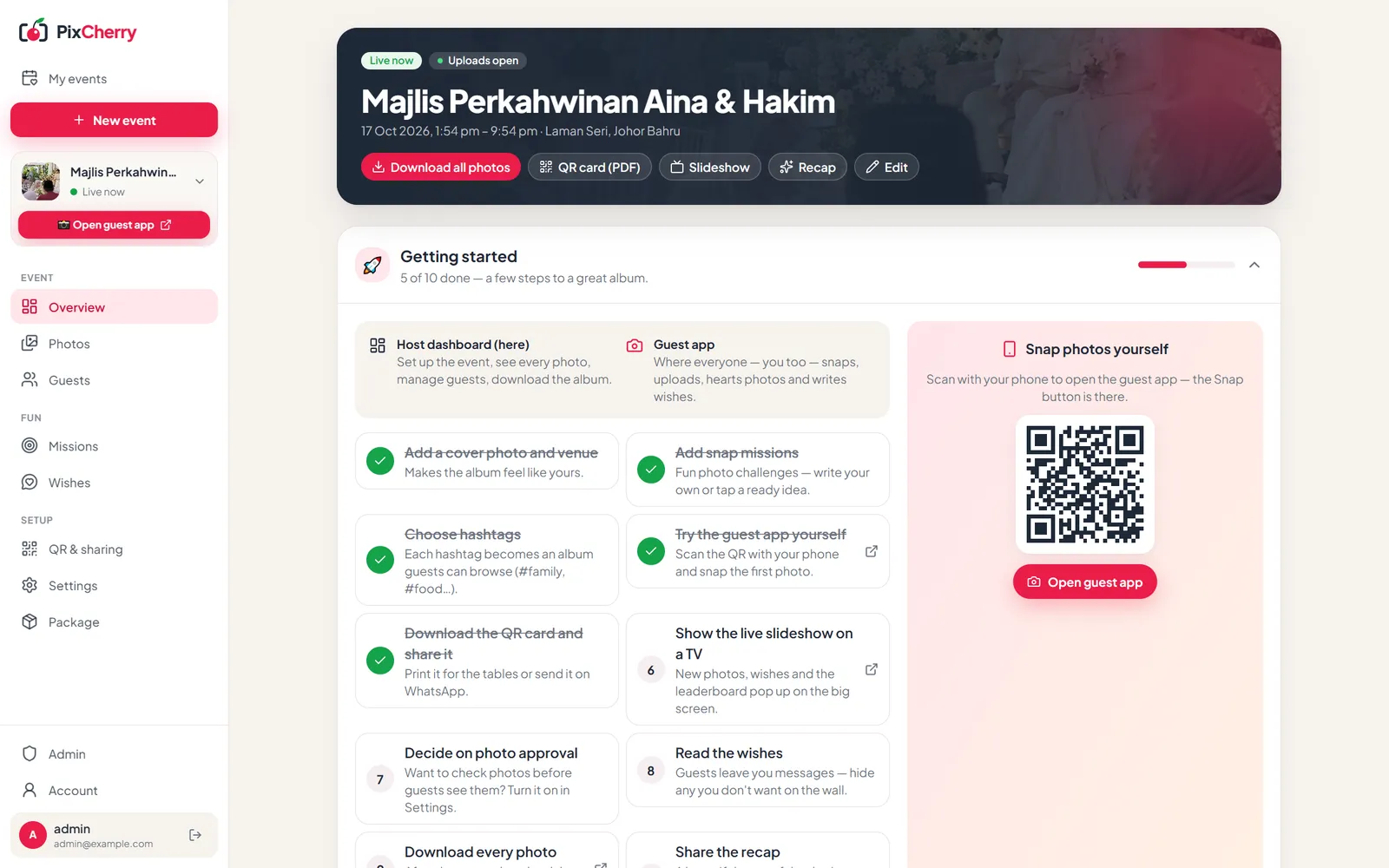
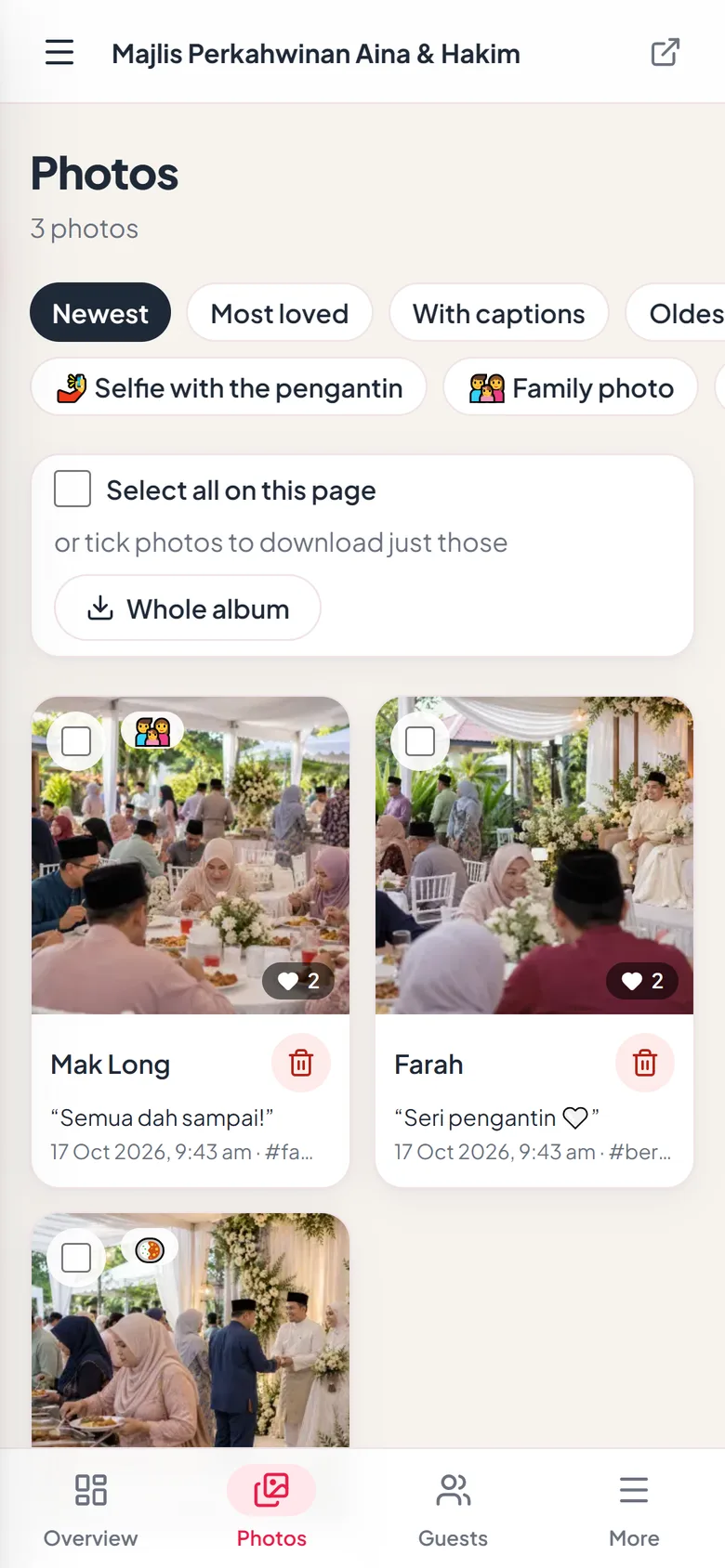
Only your guests can see it
Albums open only with your link or QR code, and never show up in search engines.
Deleted on schedule
Photos are erased after your storage period. We remind you first, so you can download everything.
No ads, no tracking
Your photos are never sold or used for ads. We follow Malaysia’s PDPA.
Open a demo album, join with any name and snap a photo yourself. Photos from visitors clear after 24 hours.
Start free, or pick the package that fits your guest list. Pay with FPX online banking, and upgrade or add more before or during the event.
Try it at a small get-together
Everything that makes the day fun — live slideshow, missions and wishes
Big events with your own branding and two months online
Need a bit more? Add +100 guests (RM20), +10 photos per guest (RM15), +30 days online (RM20) to any paid event.
Something else? WhatsApp us or email [email protected].
Put your PixCherry QR code on the tables, the welcome board or the big screen. Guests scan it, type their name and snap or upload, and every photo lands in one album in full quality. Afterwards you download everything as one ZIP, with a folder for each guest. No group chats or Drive links to chase.
WhatsApp shrinks photos and buries them in the chat, and uploading to a Drive folder needs a Google account and a link people lose. PixCherry needs no app or account, keeps photos sharp (up to 3072 pixels), shows them live on the big screen, and keeps every guest's photos in one album.
No. They scan the QR code and the album opens in the phone's browser. They type their name (a selfie is optional) and start sharing.
Yes, in the normal browser on both. iPhone photos (HEIC) are converted automatically.
Photos are kept sharp: up to 3072 pixels on the long side, which is enough to print. They're shrunk a little on the phone first, so they upload quickly even on busy venue Wi-Fi.
That depends on the package. Your event page shows the exact deletion date. We email you before it happens, you can download everything at any time, and you can add more days if you need them.
Yes. The whole album downloads as one ZIP with a folder for each guest, or you can tick just the photos you want. Every guest can save single photos to their phone.
Every photo is checked automatically, and anything that looks like nudity is hidden until you look at it. Guests can report a photo; after two reports it's hidden for you to check. You can delete any photo, block a guest, or approve every photo before it shows.
Only people with the link or QR code. Albums aren't listed anywhere or shown in search engines.
Yes. Missions, hashtags and the slideshow work for any event, and you choose your own wording.
Yes, for a while: each package keeps uploads open for some hours after the event ends, so late photos still make it in.
Once per event, online with FPX (online banking) through CHIP. There's no subscription, and the Free package costs nothing.
From the event's start time. Before that, anyone who scans the QR code sees the event with a countdown, so they know the album is ready. You, the host, can preview it any time.
Yes. The name, message, venue and link can change any time, and old QR codes keep working. The date and time can change until the event starts; after that they're fixed.
Give them one place to put them. Set up your album in minutes, free for small events.